Best IPTV Firestick Service: How to Set Up IPTV on Firestick
Best IPTV Firestick Service: How to Set Up IPTV on Firestick
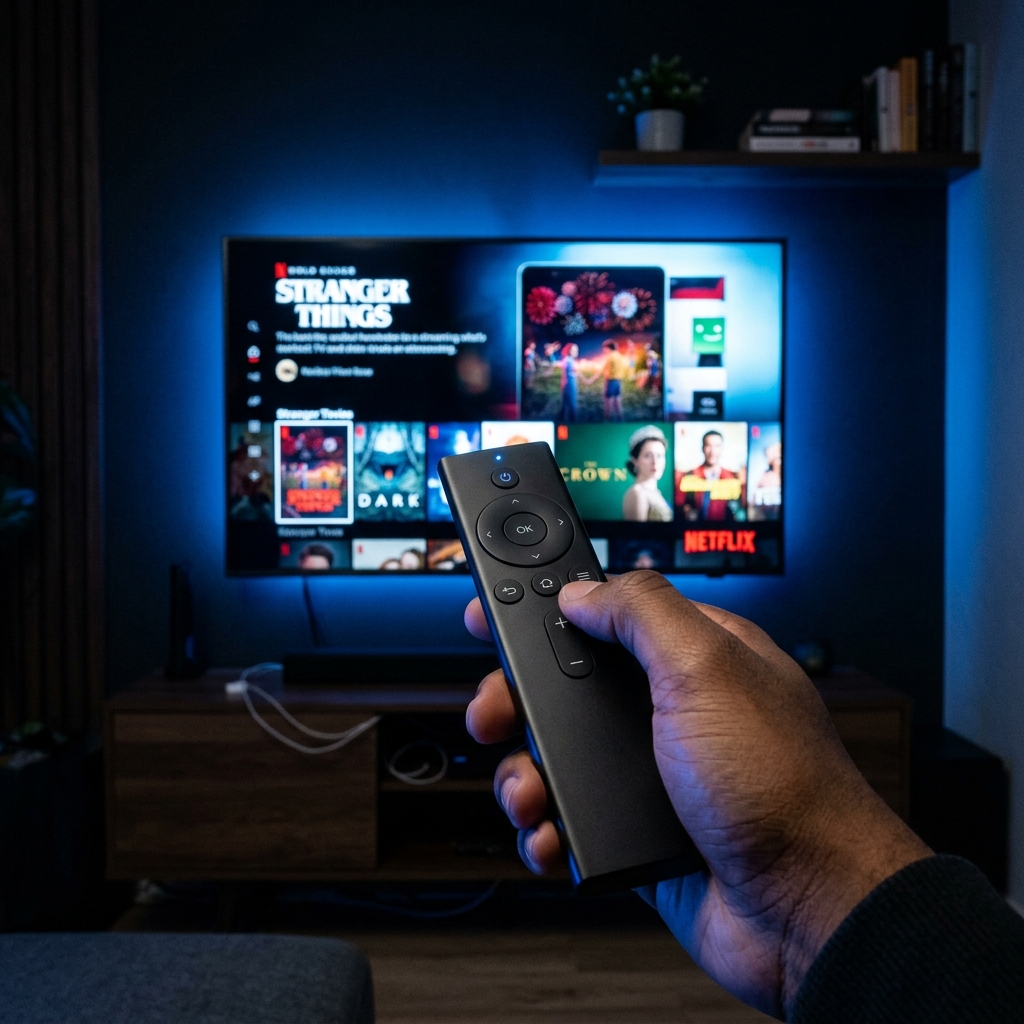
The Amazon Firestick is incredibly popular in the UK. It is affordable, portable, and powerful enough to handle 4K streaming. However, its true potential is unlocked when paired with a premium IPTV service.
Why Firestick is Perfect for IPTV
Fire OS is based on Android, which means you can easily "sideload" the best IPTV applications like TiviMate, IPTV Smarters Pro, or XCIPTV. When you combine this flexibility with the processing power of the Firestick 4K Max, you get a buttery-smooth viewing experience.
Why BritStreams 4K is the Top Choice
There are thousands of IPTV providers, but BritStreams 4K stands out for Firestick users:
- Lightweight EPG: Our Electronic Program Guide loads instantly on Firestick devices without crashing or lagging.
- True 4K UHD: We don't upscale 1080p feeds. Our native 4K sports channels look stunning on Firestick 4K.
- Anti-Freeze 3.0: Firesticks run on Wi-Fi, which can sometimes be unstable. Our Anti-Freeze technology aggressively buffers and balances the load to prevent stuttering.
How to Setup BritStreams 4K on Firestick
- Navigate to Settings > My Fire TV > Developer Options and enable "Apps from Unknown Sources".
- Download the Downloader app from the Amazon App Store.
- Open Downloader and enter the URL for IPTV Smarters Pro or TiviMate.
- Install the app, open it, and select "Login with Xtream Codes API".
- Enter the Username, Password, and Portal URL provided in your BritStreams welcome email.
Enjoy over 20,000 live channels and 50,000 VODs right on your TV!